Document State
The Document Status object is used to modify the state of document objects at a specific point within the workflow.
The Document Status object enables workflow designers to change the status of documents attached to a process at any point during the flow.
It is particularly useful when different stages of the process require documents to transition between various states, such as Draft, In Review, Approved, or Archived.
How to Use
- Drag and drop the
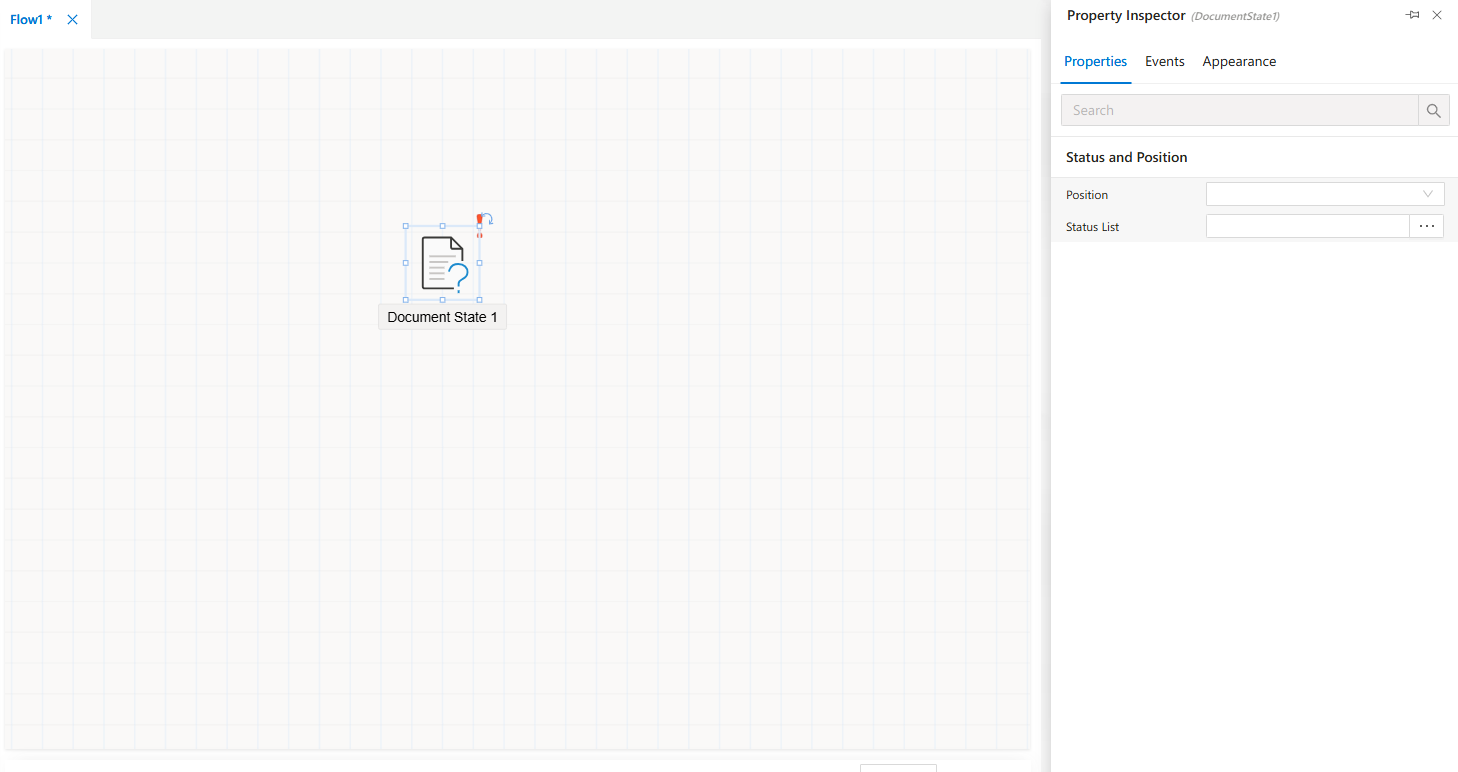
Document Statusobject from theToolboxpanel onto the workflow canvas. - Select the object to display its configuration options in the
Property Viewerpanel. - Use the
Propertiestab to define document state behaviors and related parameters.
Property Viewer Tabs
When you click on the Document Status object, the Property Viewer panel displays three tabs:
Appearance→ Customize the visual representation of the object in the workflow.Properties→ Configure document state changes and related rules.Events→ Define custom triggers when document status transitions occur.
FAQs
- What is the purpose of the Document Status object?
- What events are available in the Document Status object?
- How to configure the Document Status object?